


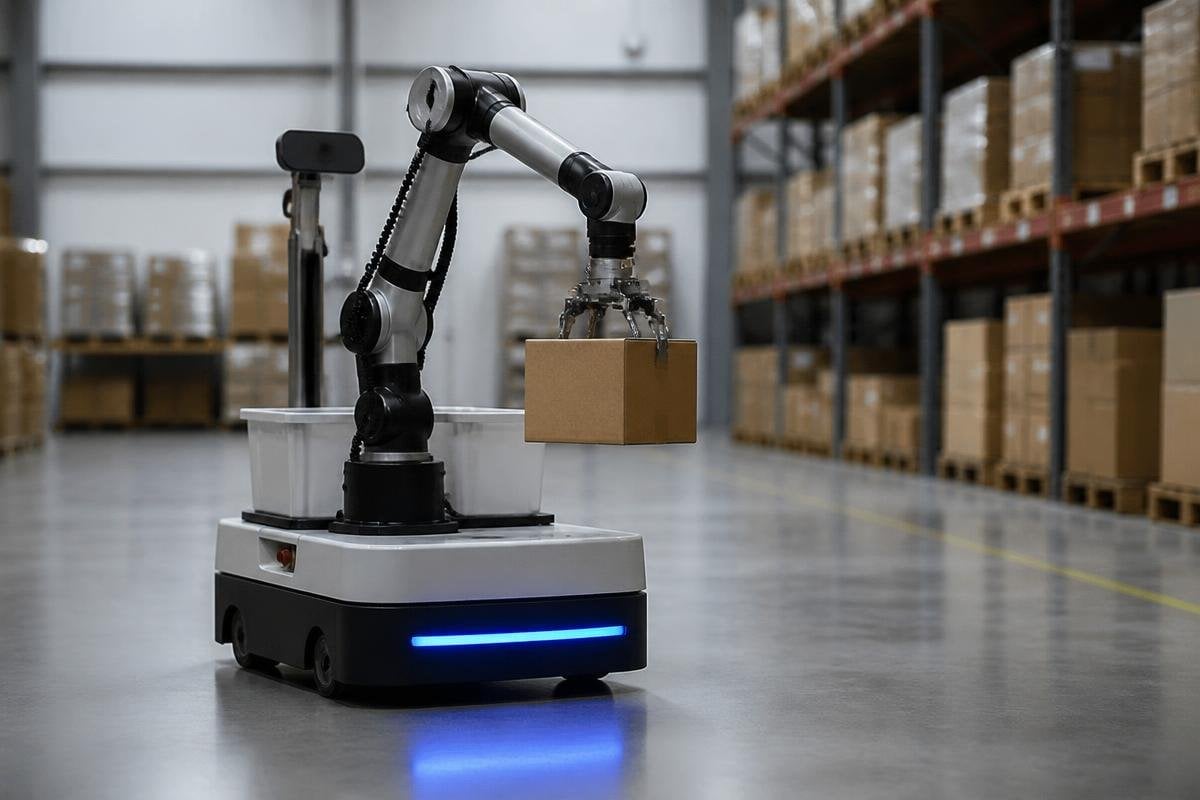
A robot that waits for a remote server before stopping, steering, or picking up an object has a weak link in its control loop. Edge AI runs the model on the robot, so the machine can read local sensor data and act without sending every decision over a network.
Quick read
- Local processing cuts the delay between sensing a change and choosing an action.
- Cameras, LiDAR, motor controllers, and onboard computers can work together when the network drops.
- Cloud services still help with training, fleet data, and jobs that need more computing power.
What edge AI changes
An AI model is a set of rules learned from data. In a robot, that model can sort camera images, spot an object, estimate a person’s position, or label a clear path. Edge AI runs that work on hardware inside the robot instead of sending raw sensor data to a distant server.
That location matters because robots work in moving spaces.
A mobile robot may need to stop when a person steps into its route. A camera arm may need to adjust its grip when an item shifts. Local processing removes the network round trip from those decisions, which gives the control system a shorter path from sensor input to motion.
The gain is not only speed. A robot can keep making local decisions during a weak Wi-Fi connection, and sensitive camera footage can stay inside the site. That helps in warehouses, hospitals, farms, and inspection areas where network coverage or data rules can limit cloud use.
The hardware has to fit the job
Running a model inside a robot needs computing hardware, memory, storage, and power. A central processing unit can run many tasks, while a graphics processing unit or neural processing unit handles the repeated maths used by image and speech models. The choice affects weight, battery life, heat, and cost.
A small inspection robot may have enough room for a low-power computer and one camera. A warehouse vehicle may need more memory for several cameras, LiDAR, wheel sensors, and route planning. Bigger hardware can run larger models, but it can also draw more power and add heat inside a sealed enclosure.
That trade matters at the machine level. More processing can help a robot spot small objects, but a warmer computer may shorten battery runtime or require a fan. A fan adds noise and another part that can fail. The model, computer, cooling system, and battery have to be checked as one system.
Edge and cloud work together
The cloud remains useful for tasks that don’t need an instant response. A company can collect approved sensor data, train a new model, compare robot faults, or send a software update from a central service. The robot can then run the finished model locally during daily work.
This split also changes how teams fix errors. A local model may identify a box, but a cloud system can store cases where the model was unsure for later review. Engineers can use those cases to train a new version, test it away from the live robot, and send it after checks are complete.
A local model can keep a robot moving when the network drops, but that doesn’t prove it can make the right call. A report from Robot24 can place the robot, task, response time, and failure case beside an edge-AI claim. The next test is what happens when the local model meets an unfamiliar object.
What remains unproven
Edge AI reduces dependence on a network, but it doesn’t make a robot safe by itself. A model can misread glare, dust, unusual objects, or a person partly hidden behind equipment. The robot still needs speed limits, sensor checks, physical stopping systems, and software rules that define safe motion.
Updates bring another risk. Changing a model can alter how the robot sees the same object, even when the rest of the control software stays the same. Teams need a record of the model version, the training data used, the tests run, and the conditions where the robot is allowed to work.
I’d judge an edge AI system by its failure behavior before its model size. A smaller model that stops safely during a camera fault may serve a site better than a larger model that gives a confident wrong answer.
A practical buying check
Use these checks before choosing an edge AI design for a robot:
- Map the delay: list which decisions need local action and which can wait for a server.
- Name each sensor: record the cameras, LiDAR units, encoders, and other inputs the model will read.
- Check the power budget: measure the computer’s draw beside motors, fans, sensors, and charging limits.
- Test bad inputs: include glare, blocked views, lost network access, dust, and empty sensor readings.
- Plan model updates: keep version records, approval steps, and a way to return to the last working model.
- Set the safe state: decide whether the robot stops, slows, or alerts a person after a model or sensor fault.
These checks turn edge AI from a hardware label into a system decision. The next useful test is a live run with the network removed, the battery partly used, and the robot facing the messiest sensor data it is expected to handle.
